

Write once,publish everywhere
One place for posts, video, articles and podcasts. Publish through the accounts already in your browser.
Install the browser extension to publish
The extension fills publishing pages using the platform accounts already signed into your browser.
- 1Open a store link above and add the MultiPost extension.
- 2After install, open the toolbar puzzle icon and pin MultiPost.
- 3Return here and click “Installed? Click to detect” to unlock the editor.
Want to draft first? Sign in to the workspace; install the extension when you publish.
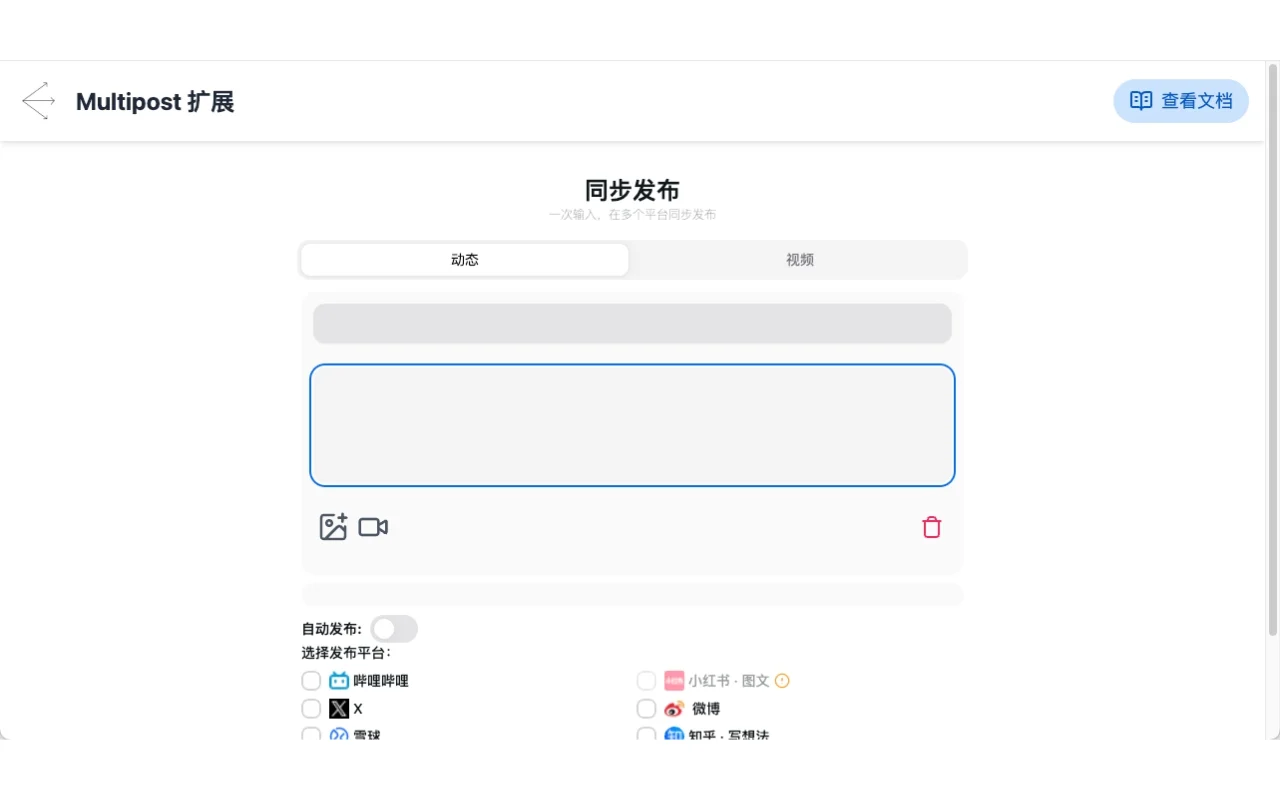
Historical publishing interface tour
Historical interface illustration, not a current-version recording
Still preview
Your content, ready for every channel.
Keep the creative work. Let MultiPost handle the repeated steps.
Every format. One starting point.
Posts, video, articles and podcasts. Choose the format that suits your content.
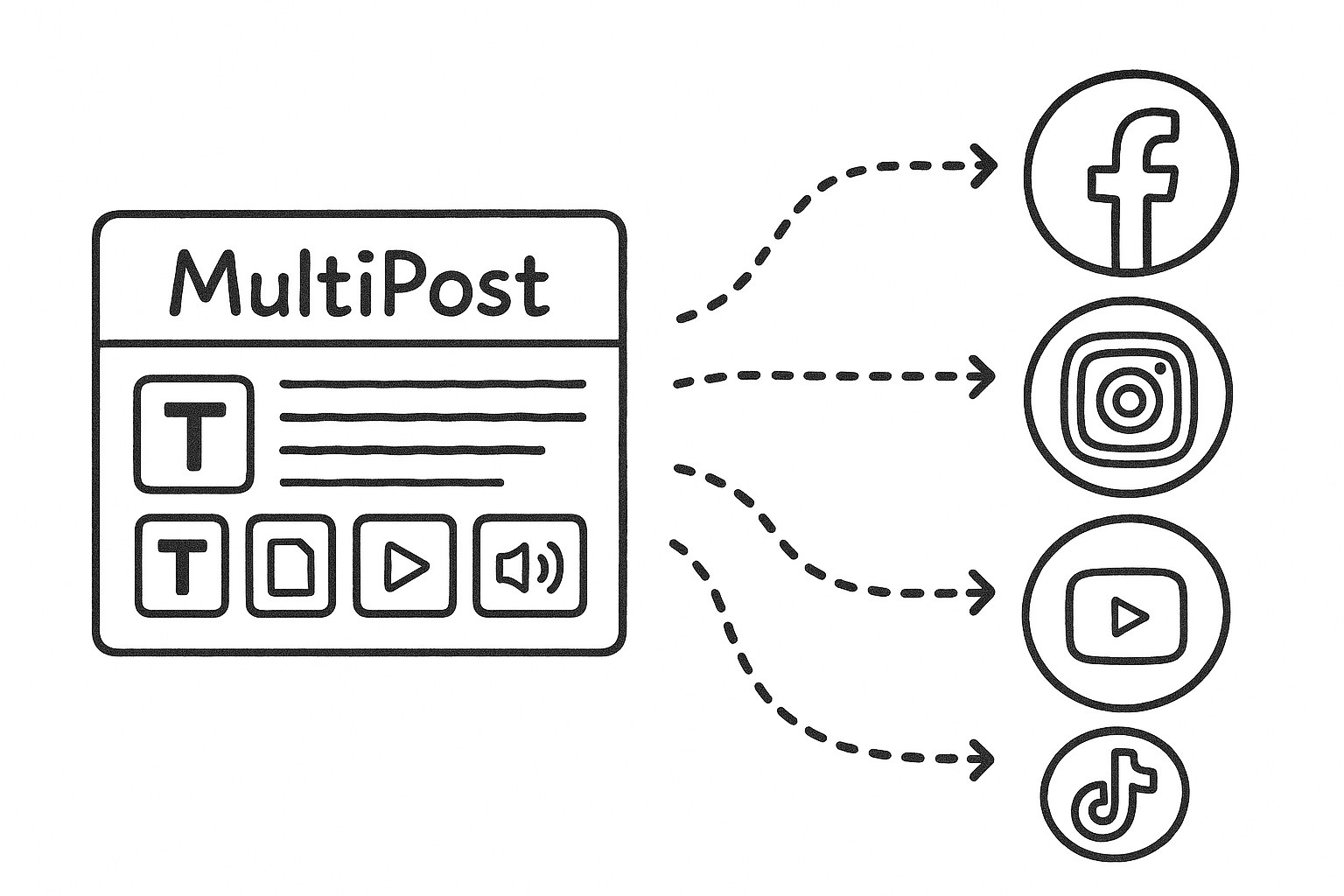
Room for the platform details.
Keep shared content together and adjust the details each platform needs.
Your accounts, already connected.
Use accounts already signed into your browser. Select your platforms, review, then publish.
An open-source extension.
Review the community extension, report a platform issue, or help improve publishing. The code and discussion are on GitHub.


Your next post starts here.
Use the browser extension or desktop app. Keep your drafts and media together in the workspace.
 This project is featured on MagicBox.tools